How to Place a Link in Instagram Post: Centralizing Your Social Traffic
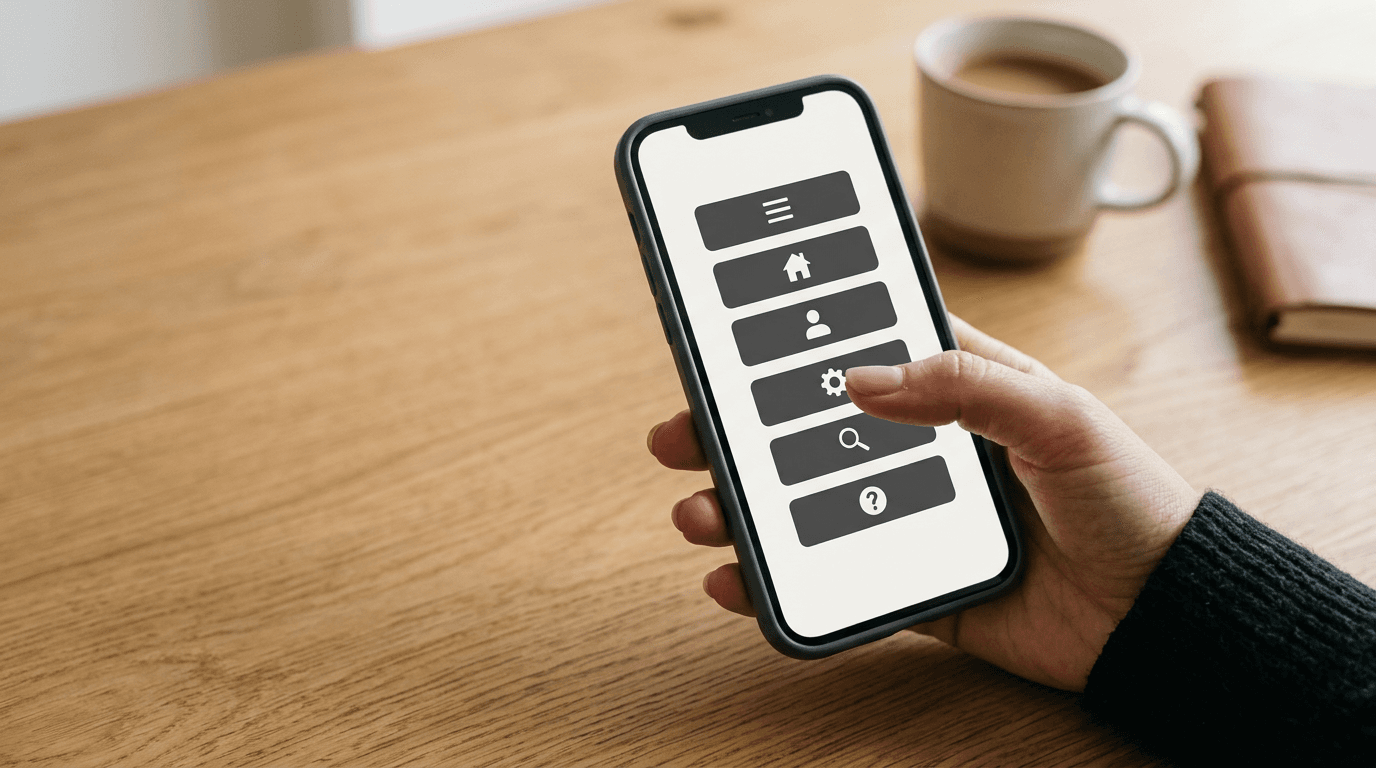
The persistent misconception is that pasting a bare URL into a caption will somehow drive traffic. Practitioners routinely watch businesses publish highly produced assets, only to end the caption with a raw, unclickable web address. They expect a user to memorize that string, close the application, open a mobile browser, and manually type it out. It almost never happens. Instagram deliberately restricts the ability to place a link in instagram post captions to prevent users from leaving its ecosystem. Bypassing this friction and actively driving outbound traffic requires a strict mechanical setup, relying entirely on centralized routing pages and automated message triggers.
Quick Summary
Driving external traffic from Instagram requires navigating the platform's strict restriction on clickable caption links by utilizing centralized bio landing pages and automated direct message triggers. Rather than expecting users to manually copy raw URLs, you must build a frictionless, tracked pathway from the feed directly to a custom destination.
- Centralize all outbound destinations into a single, permanent link-in-bio landing page.
- Deploy automated comment replies via the Graph API to deliver contextual links directly to user inboxes.
- Format captions to immediately direct attention to the trigger word or profile link before truncation occurs.
- Attach UTM parameters to bypass referrer stripping caused by the Instagram in-app browser.
Table of Contents
- 1. Bypassing the Link in Instagram Post Limitation
- 2. Automate the Direct Message Pathway
- 3. Structure Captions for Immediate Visibility
- 4. Enforce Parameter Tracking on Every URL
- Common Pitfalls & Troubleshooting
- FAQ
- Recommended Reads
1. Bypassing the Link in Instagram Post Limitation
The Single Exit Door Requires a Permanent Routing Hub
Instagram provides exactly one permanent exit door for standard accounts: the website link located in the user profile bio. When a brand launches a new product, a blog post, or a seasonal campaign, the standard reflex is to swap out that single URL to point directly to the new asset. This creates a severe failure mode known as link rot. Because Instagram distributes content non-linearly via the algorithmic Explore page and Reels feed, an older post often accumulates impressions weeks after publication. If the bio link has been overwritten for a newer campaign, users clicking through from the older post land on the wrong destination, resulting in immediate abandonment and wasted traffic.
To prevent this, practitioners implement a centralized link-in-bio landing page. This page acts as a persistent routing hub, hosting multiple active links simultaneously behind a single, unchanging top-level domain. When users tap the link in your profile, they load a mobile-optimized menu outside the Instagram feed but inside the app's internal browser environment. Each new campaign gets its own distinct button within this hub, while previous links remain accessible directly below it. European teams frequently refer to this specific centralization process as an instagram link erstellen configuration, but regardless of regional terminology, the underlying architecture remains identical across all markets.
What you can do today is conduct an immediate audit of your current bio link. If your profile points directly to a single product page or a naked homepage rather than a dedicated routing hub, you are already losing residual traffic from your older content. Transitioning to a centralized hub ensures your historical posts maintain a functional conversion pathway.
2. Automate the Direct Message Pathway

Manual Replies Fail at Peak Engagement Windows
A user discovers your post. Directing them to a bio link introduces friction. The user must intentionally leave the feed. They navigate to your profile, tap the link, and hunt for the right button on your landing page. Automation solves this. It delivers the exact link to their Direct Messages immediately after they interact with the post. This mechanism relies on integrating an instagram comment generator. It connects directly to the official Meta Graph API.
Here is how the underlying mechanics operate: you authenticate a third-party automation application with your Instagram Professional account. The application establishes a webhook that constantly listens for new comments on a specific, targeted post. When a user comments a predefined trigger word - such as "GUIDE" or "SHOP" - the webhook registers the exact string match. The API then fires two commands simultaneously: it posts a public reply to the user's comment acknowledging the request, and it dispatches a Direct Message containing the specific, clickable destination link.
The primary mistake businesses make here is deploying broad, generic trigger words like "yes" or using automated responses that mimic spam bot behavior. If your webhook fires identical public replies to dozens of users in a tight window, Instagram's spam filters will shadowban the account, silently blocking further automated messages without notifying you or the user.
Practical rule: Configure your automation software with syntax spinning - using multiple variations of the public reply like "Sent it over!", "Check your requests folder," and "In your inbox now" - to prevent rate-limit flags triggered by identical repeated text.
You can check your setup right now by testing the trigger word from a secondary, unconnected account. If the public reply appears on the post but the direct message never arrives, your webhook is likely hitting an API rate limit or failing a permission check.
3. Structure Captions for Immediate Visibility
Truncated Instructions Kill Conversion Rates
The mechanics of feed consumption dictate that users scroll rapidly, stopping only when visual contrast completely breaks their established pattern. If you want a user to trigger your automation sequence or navigate to your profile bio, the caption must execute the heavy lifting before the text truncates. Instagram hides caption text behind a "more" tag after approximately 125 characters, depending heavily on the user's screen width and device type.
The most common failure mode in caption formatting is burying the core call to action at the bottom of a lengthy, multi-paragraph narrative. A user who is merely browsing will not click to expand the caption just to discover how to purchase an item. The critical instruction must sit prominently in the first two lines.
Instead of opening with "We are so excited to announce our new collection, heavily inspired by...", you must front-load the mechanical instruction. State exactly what the user must do and what they will receive in exchange. If you are leveraging an automation tool, the instruction must be literal and exact: "Comment 'LINK' below and I will instantly DM you the full catalog." If you are routing traffic strictly to the bio, use distinct visual indicators like pointing emojis to immediately draw the eye upward. Furthermore, never place raw, unclickable links anywhere in the caption text. They clutter the visual space, render poorly on mobile screens, and project a distinct lack of platform literacy. Go through your last five posts right now: if your primary instruction requires expanding the caption to be visible, you are artificially suppressing your own conversion rate.
4. Enforce Parameter Tracking on Every URL
In-App Browsers Strip Direct Referrer Data
Knowing that traffic arrived at your website is insufficient; you must know exactly which specific post generated the session. When a user clicks a link inside a direct message or your profile bio, the destination opens dynamically in Instagram's in-app browser, functioning as a customized WebView. This restrictive environment frequently strips referrer headers completely to comply with mobile operating system privacy standards. Consequently, when that traffic hits your website, analytics platforms natively categorize it as "Direct" traffic rather than "Social," blinding you completely to the actual performance of your campaign.
To bypass this structural limitation, you must systematically append Urchin Tracking Module (UTM) parameters to every URL you load into your bio hub or automated message payloads. UTM parameters are raw text strings attached to the end of a URL that force the receiving analytics software to categorize the session correctly, entirely bypassing the browser's absent referrer headers.
The critical mistake practitioners make here is a lack of naming consistency. If one team member configures a link using utm_source=Instagram and another configures a link using utm_source=ig, your analytics dashboard will split the resulting traffic into two completely distinct channels, ruining your reporting. Create a standardized tracking document today. Define the exact casing, spelling, and naming conventions for your source, medium, and campaign variables. When you add a new destination to your central link hub, mandate that the URL must carry these precise parameters. This ensures that every individual click maps cleanly and directly back to the specific social asset that drove it.
Common Pitfalls & Troubleshooting
When an Instagram traffic funnel fails, the outward symptom is almost always exactly the same: zero recorded clicks on the target website. However, the root cause could lie in the API constraints, the mobile browser rendering, or the recipient's privacy settings. Here is how to accurately diagnose and resolve the three most common failures. Among these, the most frequent real cause of a stalled funnel is the In-App Browser Bounce.
The In-App Browser Bounce
Symptom: Your link-in-bio dashboard or automation software registers hundreds of outgoing clicks, but your website's analytics platform shows a 100% bounce rate with exactly zero seconds of time-on-page. Diagnosis & Fix: The outbound traffic is failing to load completely because the Instagram in-app browser is timing out. This WebView environment is significantly slower and handles heavy JavaScript execution much worse than a native mobile browser. If your landing page relies on heavy background video renders or massive tracking scripts, the in-app browser will simply hang, causing the user to abandon the page before a session ever registers. The fix is to ruthlessly optimize the specific pages you link from social media: compress all image assets, defer non-essential third-party scripts, and ensure the initial page payload sits firmly under 1MB.
The Silent API Rate-Limit Block
Symptom: Users are leaving the exact, correct trigger word in the post comments, but no automated direct messages are being dispatched, and the automation tool's dashboard shows no error logs. Diagnosis & Fix: You have triggered Meta's automated anti-spam safeguards. When an account fires too many identical DMs in a heavily compressed time window, the Graph API silently drops outgoing messages without returning a warning error to your third-party tool. The fix is to pause your automation entirely for 24 hours to allow the rate limit to reset natively. When you reactivate the webhook, implement syntax spinning in your software so that the tool sends slightly different text variations for every reply, effectively avoiding the identical-string filter.
The Hidden Request Folder Trap
Symptom: The automation software reports that 100% of your direct messages were successfully delivered to the network, but your link click-through rate from those specific DMs remains near zero. Diagnosis & Fix: If you attempt to automate messages to users who do not currently follow your account, and who have strict inbound privacy settings enabled on their devices, your automated message is routed silently to their "Hidden Requests" folder rather than their primary inbox. They receive no push notification. The fix requires adjusting your initial caption strategy. Add a secondary instruction in the feed post explicitly telling non-followers: "Make sure you follow the account so the link goes straight to your main inbox, or check your message requests folder!" This primes the user to actively hunt for the filtered message.
FAQ
Does Instagram penalize accounts for using automated comment replies?
No, provided you utilize software that operates strictly within the official Meta Graph API guidelines. The platform actively encourages automation through its official channels to help business accounts manage high volumes of inbound inquiries. Penalties and shadowbans only occur if you deploy unauthorized scraping tools or if your authorized tool sends repetitive, bot-like spam that aggressively violates rate limits.
Can I ever make a link clickable in a standard feed caption?
No. Instagram strictly disables hyperlinks in standard photo and video captions across the board. The only native exceptions within the platform interface are links placed in Stories via the Link Sticker, the single bio link, and links dispatched in Direct Messages. Any URL typed directly into a feed caption will render purely as unclickable plain text.
What is the difference between tracking a bio link and a DM link?
A bio link is static and serves as a generalized exit point, meaning traffic originating from it cannot easily be attributed to one specific post unless you change the parameters constantly. A DM link, triggered by a specific post's comments, is highly contextual. By using distinctly different UTM parameters for the automated DM link versus the static bio link, you can track exactly which individual post generated the highest direct conversion rate.
How often should I change the primary link in my profile?
Rarely, if ever. Constantly swapping the raw URL in your profile bio breaks the funnel for older posts that are still generating algorithmic impressions on the platform. Instead of physically changing the profile link, use a permanent centralized link hub and simply update the destination buttons dynamically within that hub's interface.
Recommended Reads
- To consolidate your digital presence into a single performance-tracked landing page, review the features provided by HeyLink.me - One Link for Everything to streamline your social media routing.