How to Master Online Event Management and Presentation Workflows
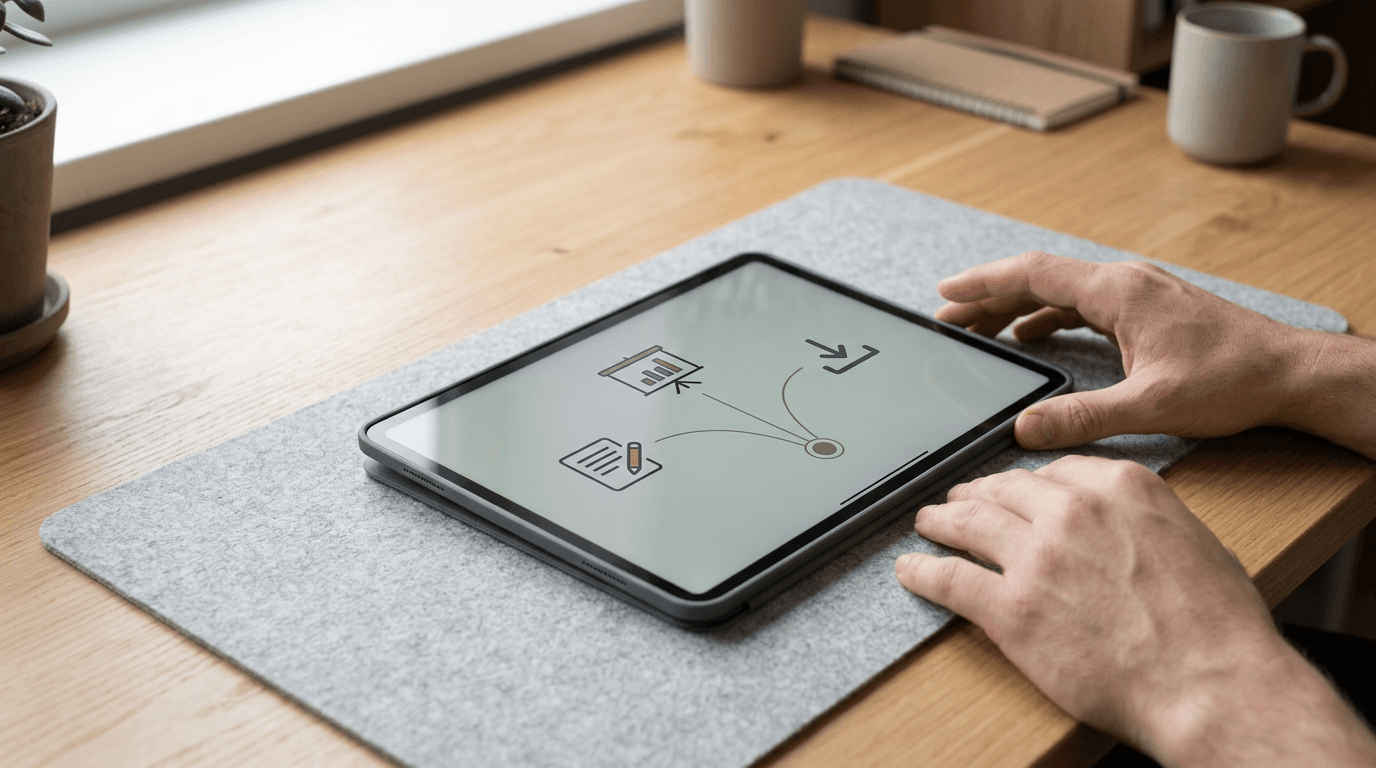
The moment the countdown timer hits five minutes, and you realize your attendees have the meeting link but not the workbook, while your co-host is frantically asking for the final slide deck, is the exact moment digital workflows break. Splintered technology stacks cause constant friction for digital entrepreneurs and creators. Effective online event management is not about buying enterprise-tier webinar software; it is about building a routing system that guarantees your audience lands exactly where you need them, with the right materials, exactly when the session starts.
Quick Summary
Online event management requires a unified digital workflow to prevent audience drop-off and technical failures during live sessions. Centralizing your communication assets ensures attendees know exactly where to go and what to download.
- Map your software stack to integrate registration, broadcast, and follow-up tools.
- Route all attendee traffic through a single, controllable landing page.
- Design presentation assets as cloud-hosted links rather than heavy attachments.
- Structure the post-event communication sequence before the broadcast begins.
- Track link click-through rates rather than just total registration numbers.
Table of Contents
- 1. Map Your Online Event Management Stack
- 2. Centralize Audience Access Points
- 3. Design Assets with an Online Presentation Maker
- 4. Structure the Post-Event Communication Workflow
- 5. Measure Conversion from Attendance to Action
- Common Pitfalls & Troubleshooting
- FAQ
1. Map Your Online Event Management Stack
Building a reliable event stack requires understanding exactly how data moves between your registration form, your email service provider, and your actual video broadcasting platform. When a user enters their email address, that data must immediately trigger a calendar invite and tag the user in your database for future segmentation. The mechanics rely on utilizing webhooks or native integrations that pass the attendee record across platforms seamlessly, without manual intervention.

The specific mistake hosts make here is relying on manual CSV exports. They collect registrations on a standalone landing page, wait until an hour before the event, and then attempt to bulk-import that list into their webinar software to send out access links. This guarantees that anyone who registers in the final sixty minutes will never receive the broadcast link. Instead, your online event management system must rely on immediate, automated data passing. If a tool in your stack cannot pass an email address via API immediately upon form submission, you must replace that tool.
2. Centralize Audience Access Points
Audiences experience severe decision fatigue when confronted with disjointed communication. A standard pre-event email often contains a raw Zoom URL, a Dropbox link to a PDF workbook, a link to a community group, and a prompt to follow a social channel. The mechanics of centralizing this involve creating a single digital hub. By routing users to one page that hosts the broadcast link, the downloads, and the schedule, you eliminate the friction of searching through email threads.
Practical rule: Never send a raw meeting URL in a social media broadcast; always route through a branded landing page you control so you can update the destination without editing previous posts.
The failure mode here is sending out static links that cannot be updated if a room crashes or a URL changes. If your primary broadcasting platform goes down and you have emailed the direct link to two thousand people, the event is over. Avoid this. Route them through a page using HeyLink.me - One Link for Everything instead. You simply swap the destination URL on your dashboard, and the entire audience is immediately redirected to the backup room. This abstracts the infrastructure away from the attendee. The host keeps complete control over the traffic routing in real-time.
3. Design Assets with an Online Presentation Maker
The visual component of your event must be as agile as your communication workflow. Utilizing a cloud-based online presentation maker fundamentally changes how you deliver supplementary material. Rather than treating slides as a static file projected on a screen, modern presentation workflows treat the deck as a living web asset. This means the slides are rendered in the browser, allowing the host to embed interactive elements, clickable calls to action, and dynamic data directly into the presentation environment.
The most common mistake practitioners make is exporting their final deck as a massive PDF file and attempting to email it to the attendee list alongside the replay link. This inevitably triggers spam filters due to the attachment size and file type, tanking the deliverability of the entire post-event sequence. By building the deck in an online presentation maker, you generate a lightweight, trackable URL. You can restrict access, require an email to view, or update a typo on slide fourteen without needing to issue a new version to your audience. The presentation becomes a managed digital asset rather than a static document.
4. Structure the Post-Event Communication Workflow
The majority of revenue and conversion generated by an online event happens after the live broadcast concludes. The mechanics of the post-event sequence require mapping out three distinct communication phases: the immediate replay delivery, the resource summary, and the segmentation offer. This must be written, loaded, and scheduled in your email service provider before the live camera ever turns on. The workflow relies on tagging attendees based on their behavior - did they attend live, did they leave early, or did they miss it entirely?
The operational mistake hosts make is waiting for the event recording to render before writing the follow-up email. Video rendering can take hours. By the time the host writes the email and pulls the list of attendees, a full day has passed, and the audience's buying temperature has dropped to zero. Do not wait. The fix is to pre-write the sequence using placeholder links. As soon as the recording is uploaded to your hosting provider, you drop the final URL into the centralized hub you built in step two, meaning the pre-scheduled email requires zero edits to become fully functional.
5. Measure Conversion from Attendance to Action
Measuring the success of an online event requires tracking the flow of traffic from the broadcast room to the final checkout or booking page. The mechanics involve deploying UTM parameters on every link dropped in the chat, and utilizing pixel tracking on the centralized landing page. You must measure the drop-off at every stage: the percentage of registrants who showed up, the percentage of attendees who clicked the offer link, and the percentage of clickers who converted.
The fatal error here is optimizing for total registration volume while ignoring the click-through rate of the primary call to action. A host might celebrate five hundred registrations, but if the final offer link is hidden in a dense block of text in the chat window, only five people might click it. By tracking the exact path the audience takes, you can identify exactly where the friction lies. If attendees are clicking the link but abandoning the page, the issue is the landing page copy, not the event presentation. If no one clicks the link, the presentation failed to build enough urgency to drive the transition.
Common Pitfalls & Troubleshooting
The Ghost Lobby
- Symptom: Your dashboard shows 500 registered attendees, but only 40 show up to the live room.
- Fix: The calendar invite integration failed. Attendees rely entirely on their digital calendars to remind them of events. If your registration system only sends a confirmation email without an attached
.icsfile or a direct Google Calendar integration, you will lose the vast majority of your audience. Audit the confirmation sequence to ensure the calendar block is generated automatically upon signup.
The Version Control Disaster
- Symptom: The co-host is advancing slides, but they are presenting an outdated version of the deck while you are speaking to the new material.
- Fix: Stop sharing presentation files via email or Slack. All visual assets must live as cloud-synced links. Force all collaborators to work from the same live URL generated by your presentation software, ensuring that the version loaded into the broadcasting software is always the most current iteration.
The Spam Folder Black Hole
- Symptom: Attendees complain in your support channel that they never received the join link, even though your system shows the email was delivered.
- Fix: Remove heavy attachments and avoid using terms like "Free," "Guarantee," or "Click Here" in the pre-event emails. More importantly, ensure you are sending emails from an authenticated domain (using SPF, DKIM, and DMARC records) rather than a generic address. Route them to your centralized hub link rather than putting the raw broadcast URL directly in the email body, which sometimes triggers security flags in corporate email environments.
FAQ
How far in advance should the post-event emails be scheduled?
Draft and stage all post-event communication at least 24 hours before the event goes live. Use placeholder links for the replay, and update your central routing page once the video is rendered so the scheduled emails send without requiring last-minute manual edits.
Should presentation slides be shared before or after the event?
Share them after the event as part of the follow-up sequence. Distributing slides beforehand causes attendees to read ahead, splitting their attention and reducing the impact of the live delivery.
Why is my attendance rate dropping despite high registrations?
Your reminder cadence is likely insufficient. A standard workflow requires a 24-hour reminder, a 1-hour reminder, and a "we are starting now" notification. Without these three touchpoints, digital noise will cause registrants to forget the commitment.
Is it necessary to have a dedicated landing page for every event?
Yes. A dedicated, branded landing page centralizes the registration form, the event details, and the host's biography. Sending traffic directly to a raw Zoom registration form removes your ability to track page views, pixel visitors for retargeting, and control the brand experience.