How to Create a QR Code Online for Your Business in 2026
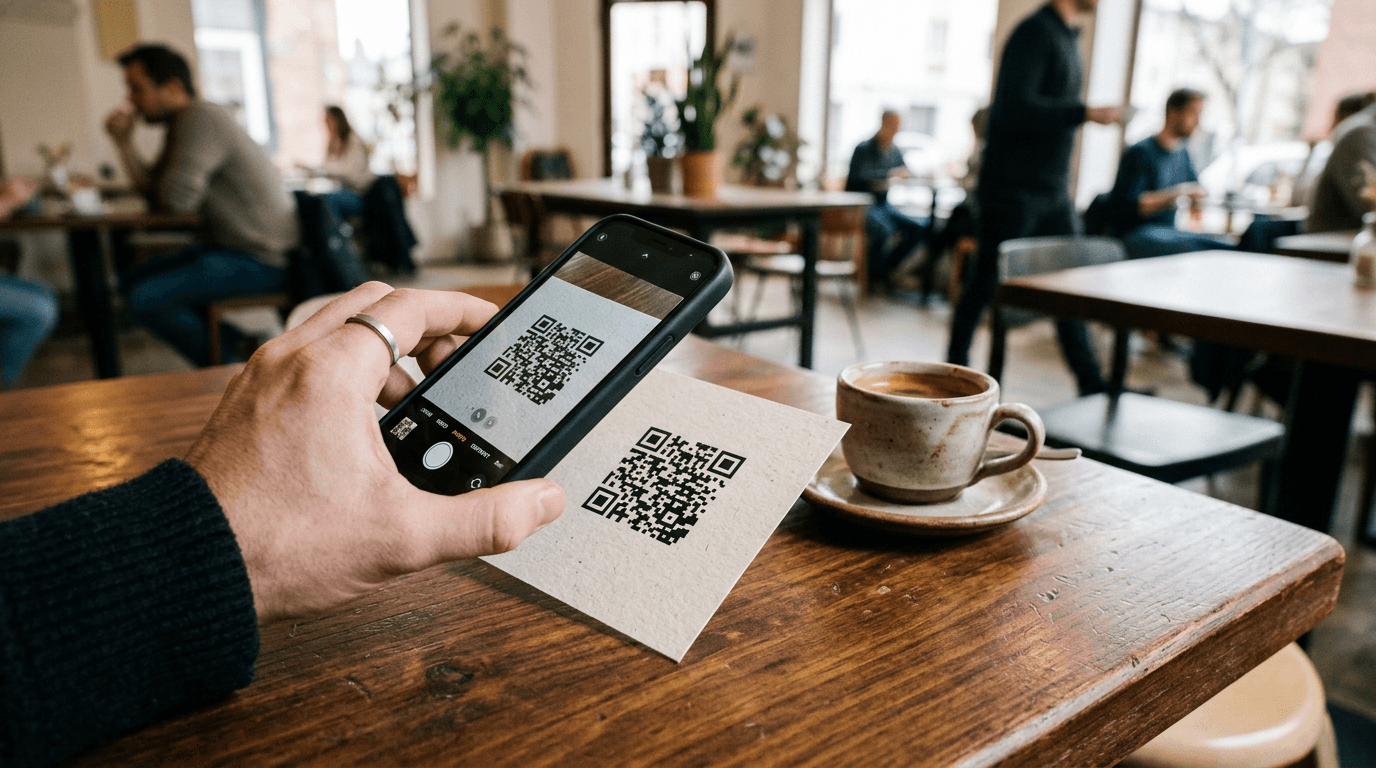
A flyer sitting on a cafe counter with a typed URL at the bottom is asking a customer to do data entry on a glass screen while holding a coffee. They will not do it. Bridging physical foot traffic to a digital storefront requires a mechanism that fits the friction tolerance of a distracted person, and generating a QR code online is how businesses actually make that connection.
Quick Summary
A business QR code online generator turns a long destination URL into a scannable graphic that modern smartphone cameras recognize natively, removing the need for manual typing.
- QR codes bridge offline print materials to digital checkout pages or social profiles.
- Dynamic QR codes allow the destination URL to change without reprinting the physical code.
- Sizing and contrast are the primary reasons a code fails to scan in the real world.
- Tracking pixels attached to the link provide analytics on physical campaign performance.
Table of Contents
- Choose the Right Link Destination
- Select a Dynamic QR Code Online Generator
- Design for Scanning Contrast
- Size and Test the Physical Print
- Common Pitfalls & Troubleshooting
- FAQ
- Recommended Reads
Choose the Right Link Destination
Before you generate anything, you must know where the code points. Pointing a QR code directly to a generic homepage is a missed opportunity. The user has taken an action based on a specific context - a product tag, a real estate sign, or a restaurant table tent. The destination should match that intent exactly.
If the code is on a table tent, it should point to a menu. If it is on a business card, it should point to a consolidated digital presence or a booking page. A website qr code that forces a mobile user to navigate a desktop-oriented top menu to find the relevant information will see high bounce rates.
Practical rule: The landing page must answer the specific question the physical context raised, without requiring further clicks.
The mistake people actually make here is linking to a promotional page that expires. If a code printed on a thousand brochures points to a temporary campaign URL, the physical assets become useless the day the campaign ends.
Select a Dynamic QR Code Online Generator
There are two types of QR codes: static and dynamic. A static code encodes the actual URL directly into the pixel pattern. Once printed, it cannot be changed. If you make a typo in the URL, the printed codes are garbage.
A dynamic code encodes a short redirection URL. When scanned, the user hits the redirect server, which instantly forwards them to your actual destination. This means you can log into your QR code online provider and change the destination URL at any time, without altering the printed pattern.
This is why businesses use link-in-bio platforms or specialized link management tools to generate codes. These platforms manage the redirect and provide analytics on how many times the code was scanned. A robust HeyLink.me - One Link for Everything setup will often include this capability, letting you track offline engagement alongside your digital traffic.
The failure mode here is using a free, ad-supported generator that suddenly requires a paid subscription to keep the dynamic redirect active, breaking all your printed codes six months later.
Design for Scanning Contrast
A QR code is essentially a high-contrast grid that a camera algorithm interprets. It relies on the difference between the dark modules (the squares) and the light background.

While marketing departments often want to brand the code by changing its colors, making the contrast too subtle destroys scannability. A light grey code on a white background, or a dark blue code on a black background, will fail when a customer tries to scan it in dim restaurant lighting or bright outdoor glare.
The 'quiet zone' - the empty border around the code - is also mandatory. The scanner needs this buffer to isolate the code from surrounding text or graphics.
The common error is inverting the colors entirely (white modules on a black background). While some modern scanners can read inverted codes, many older or cheaper smartphone cameras cannot. Stick to dark modules on a light background.
Size and Test the Physical Print
The minimum size for a QR code depends on the scanning distance. The basic rule of thumb is a 10:1 distance-to-size ratio. If a code on a business card will be scanned from 10 inches away, it needs to be at least 1 inch square. A code on a billboard meant to be scanned from 10 feet away needs to be much larger.
Complexity also dictates size. The more data (a longer URL) encoded in a static code, the denser the grid becomes. A dense grid must be printed larger so the camera can distinguish the individual modules. Dynamic codes keep the grid simple because they only encode a short redirect URL.
The critical mistake is printing a massive batch without real-world testing. Do not just test the design on a computer monitor. Print it at scale, on the actual material (glossy paper can cause glare that blinds the scanner), and test it with both an iPhone and an older Android device under the lighting conditions where it will actually be used.
Common Pitfalls & Troubleshooting
When a QR code strategy fails, the symptom usually looks like low engagement, but the causes vary.
Code scans, but bounces immediately.
This is usually a destination problem. The page might not be mobile-responsive, loading slowly on cellular networks, or the user context did not match the landing page content. Fix this by testing the page speed on a 3G connection and ensuring the page directly addresses the physical context.
Users try to scan, but give up.
This is the most common failure and is almost always physical. The code is either too small, lacks contrast, or is printed on a highly reflective surface that catches glare. The fix requires reprinting with a larger size, higher contrast, or a matte finish.
Scans work, but suddenly stop after a few months.
This indicates a broken dynamic link. The third-party service used to generate the redirect may have expired, changed its pricing model, or the specific short link was deleted. The fix is to ensure you own the domain or use a reliable, transparent platform for link management.
FAQ
Can a QR code point to multiple links?
Directly, no. A code points to a single URL. To offer multiple options, you point the code to a branded landing page or link-in-bio page that hosts a menu of links.
Do QR codes expire?
Static codes never expire because the data is hard-coded into the image. Dynamic codes expire if the service managing the redirect link goes offline or the subscription lapses.
Can I track who scans my QR code?
You cannot track personal identifiable information just from a scan. You can track aggregate data like the total number of scans, the time of day, and the general location or device type based on the redirect analytics.
How complex can a logo be in the middle of a QR code?
QR codes have error correction built in, allowing up to 30% of the code to be obscured or damaged. However, keeping the logo simple and ensuring it does not cover the three large square alignment patterns in the corners is crucial.