How to Bypass the Dead Link in Instagram Post Text With Comment Generators
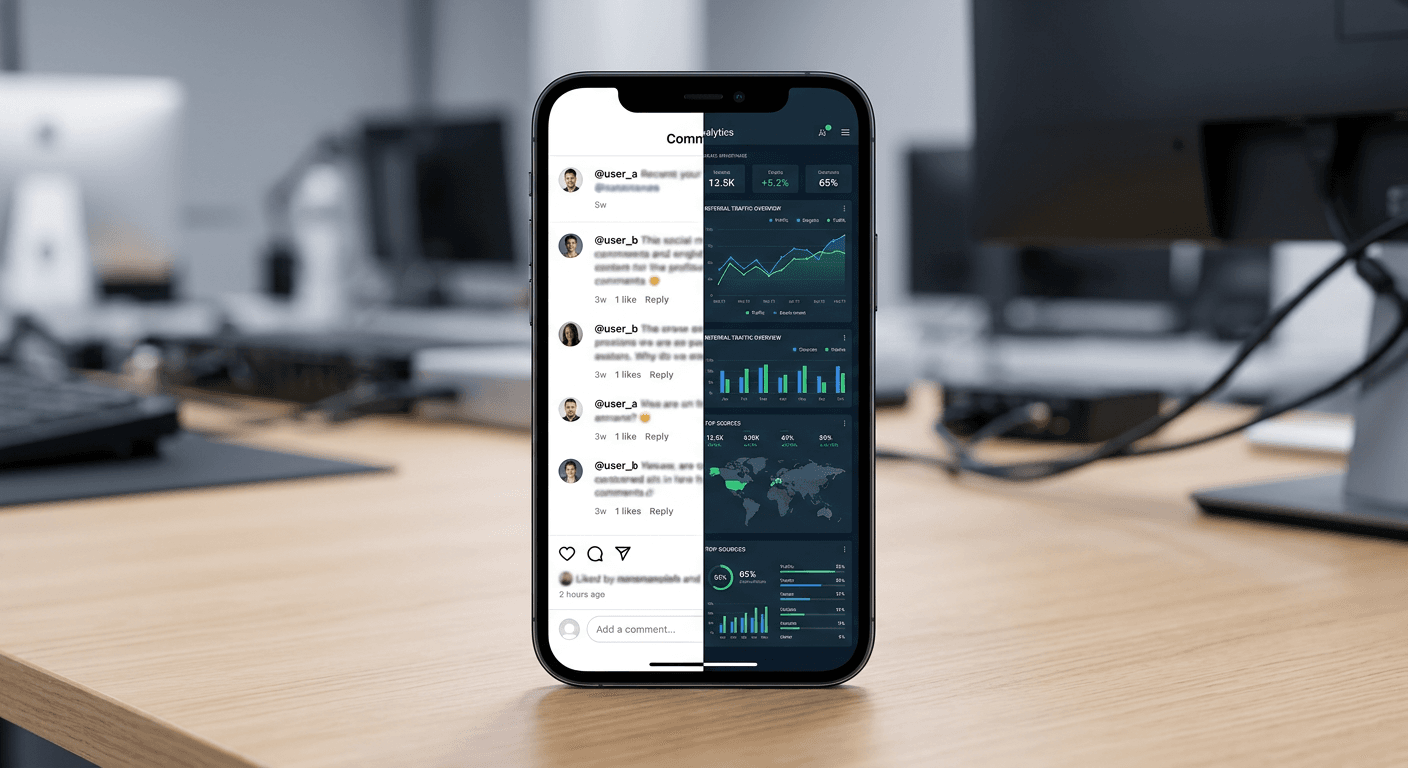
The most persistent illusion in social media conversion is the belief that placing a raw URL into a caption does anything useful. You draft a compelling update, drop a link in instagram post captions, and publish, only to watch your analytics record exactly zero referral traffic. A URL in an Instagram caption is dead text - unclickable, uncopyable, and entirely ignored by the platform's routing system. The application's interface actively suppresses outward navigation from the main feed to retain user attention. Instead of fighting the application's underlying code, practitioners rely on centralized bio hubs and automated messaging systems to move audiences from the feed into a controlled, measurable conversion funnel.
Quick Summary
Converting Instagram feed engagement into website traffic requires abandoning raw caption URLs in favor of automated comment replies and centralized routing pages. By pairing trigger words with direct message delivery, you bypass the platform's restrictions entirely.
- Caption URLs render as unclickable text strings, causing immediate user drop-off.
- Comment automation tools use the Messenger API to deliver clickable links directly to inboxes.
- Centralized routing hubs consolidate traffic and prevent domain blacklisting.
- Custom domains and specific UTM parameters are mandatory for accurate conversion tracking.
Table of Contents
- 1. Abandon the link in instagram post approach
- 2. Deploy a consolidated landing page
- 3. Connect an instagram comment generator
- 4. Map specific trigger keywords to payloads
- 5. Measure the handoff through the in-app browser
- Common Pitfalls & Troubleshooting
- FAQ
- Recommended Reads
1. Abandon the link in instagram post approach
Captions render URLs as unclickable text strings
Users cannot click URLs in organic post captions. Instagram's Document Object Model (DOM) intentionally treats them as standard text nodes, not as hyperlink nodes. This deliberate platform architecture choice prevents session abandonment. Placing a domain in your caption asks a mobile user to perform an impossible sequence. They must memorize the URL. Then, they manually open their device's mobile browser. Finally, they type the exact string into the address bar and execute the search.
Mobile operating systems further complicate this by sandboxing clipboard actions within the Instagram app. A user cannot simply highlight and copy a segment of text from a standard organic feed post caption. The friction introduced by this limitation reduces click-through rates to zero. Relying on caption URLs signals to your audience that you do not understand the interface they are using. The alternative is to utilize the single clickable link Instagram permits in the profile bio, and force traffic toward it using direct, measurable prompts in the feed.
2. Deploy a consolidated landing page
Traditional hosting overhead is unnecessary for social routing
Before you automate traffic delivery, you must establish where the traffic is going. Directing social media clicks directly to a complex e-commerce product page often results in high bounce rates, as standard desktop-first websites load poorly inside Instagram's native in-app browser. Instead, practitioners use lightweight, centralized routing pages to capture and redirect the user.
For digital entrepreneurs in European markets, the process to execute an instagram link erstellen (create an Instagram link hub) usually begins with evaluating infrastructure costs. Traditional web infrastructure in European markets often demands upward of €987 a month for custom design, secure hosting, and reliable analytics. However, a dedicated routing platform achieves this exact utility - mobile-optimized load times, pixel integration, and custom domain mapping - for around €10 a month.
When setting up this hub, you must configure a custom domain rather than relying on the platform's default shared subdomain. Instagram's automated spam filters frequently flag shared subdomains because thousands of unverified users share the same root URL. By pointing your own domain's CNAME records to your routing hub, you isolate your sender reputation, ensuring your profile link remains active and immune to network-wide shadowbans.
3. Connect an instagram comment generator
Automated messaging bridges the gap between feed and inbox
To move users from the feed to your routing hub without requiring them to navigate to your profile manually, you must integrate an instagram comment generator. These tools utilize the official Instagram Graph API to listen for specific webhooks - essentially real-time notifications that someone has left a comment on your post.
Once the application is authenticated through Meta Business Suite, the generator monitors organic comments against a predefined list of trigger words. When a match occurs, the API fires a payload that instantly sends a direct message (DM) to the commenter containing a fully clickable hyperlink. This turns a passive feed scroller into an active session within their private inbox, entirely bypassing the caption limitation.
Practical rule: Never request API permissions outside of
instagram_manage_messagesandpages_manage_metadatawhen authenticating your automation tool, as requesting unnecessary scopes guarantees Meta will flag the integration for manual review and delay your deployment.
Operating this system requires strict adherence to Meta's 24-hour messaging window. The API only permits automated responses to user-initiated actions within a 24-hour timeframe. If a user comments on Monday, the system cannot send a follow-up promotional link on Wednesday without utilizing highly restricted message tags. The automation must fire immediately upon comment detection.
4. Map specific trigger keywords to payloads
Common conversational words misfire and exhaust API quotas
The mechanical failure point in most comment automation setups is the selection of the trigger keyword. When configuring the automation logic, many users default to broad, conversational triggers like "yes," "link," or "send."
Because the webhook evaluates every comment across your connected posts, utilizing generic words guarantees the automation will misfire during normal organic conversations. If a user replies to another user's comment with "I love this link," the system will intercept the keyword and fire an unprompted promotional DM. This creates a highly invasive user experience, drives immediate spam reports, and burns through your monthly API call quota on unqualified leads.
Instead, map specific, distinctive commands that users are unlikely to type by accident. Commands like "VIPACCESS," "HUB24," or "ROUTING" force the user to make a deliberate choice to engage with the system. When building the payload itself, avoid sending a bare text link. The Graph API supports message templates; utilize the generic template to attach an image card with a clear, tappable call-to-action button. Button clicks are easier for mobile users to execute than inline text links, and they provide a cleaner visual presentation in the inbox.
5. Measure the handoff through the in-app browser
Standard UTM tags fail to isolate direct message traffic
When a user taps the automated link in their DM, Instagram does not open Safari or Chrome. It opens its proprietary in-app browser (WebView). This browser aggressively caches content, modifies rendering engines, and frequently strips default HTTP referrer headers. If you do not explicitly tag your URLs, your analytics platform will likely categorize this hard-earned traffic as "Direct" rather than "Social."
To prove the automation is working, append precise UTM parameters to the destination URL housed inside the automated DM. Using a generic utm_source=instagram is insufficient, as it blends DM traffic with clicks coming from your bio link.
You must explicitly isolate the trigger source by configuring the link as ?utm_source=instagram&utm_medium=dm_automation&utm_campaign=feed_trigger. By separating this traffic in Google Analytics 4, you can evaluate the specific drop-off rate between the API reporting a "Message Sent" and your landing page recording a "Session Start." If the message volume is high but the session volume is low, the failure lies in the load speed of your routing page inside the native WebView, dictating a need to compress assets on the landing page.
Common Pitfalls & Troubleshooting
When deploying comment-to-DM funnels, the external symptoms of a failure often mask the actual technical breakdown.
The shadow-banned trigger word Symptom: Users are actively commenting the exact trigger word on your post, but the system is not sending any DMs, and no errors appear in your automation dashboard. Diagnosis: Meta silently suppresses webhooks for comments containing engagement-bait or heavily reported spam terms (e.g., "buy now," "free money," "click here"). The comment exists on the front end, but the API never broadcasts the payload to your tool. Fix: Immediately change the trigger word to a proprietary noun or specific code (e.g., "TOOLKIT"), and avoid words associated with financial transactions or aggressive lead generation.
In-app browser abandonment Symptom: Your automation tool reports a 90% click-through rate on the delivered DMs, but your routing hub analytics show virtually zero page views. Diagnosis: The most frequent real cause of this discrepancy is page weight. Instagram's in-app browser is highly sensitive to heavy JavaScript and unoptimized images. If the page takes longer than three seconds to paint the DOM, users will swipe back to the feed before your analytics pixel has time to fire. Fix: Strip heavy animations from your routing page and ensure your hosting platform relies on a global Content Delivery Network (CDN) to ensure sub-second loads.
The orphaned thread block Symptom: Automated replies work flawlessly for new followers, but consistently fail to deliver links to users who have messaged your account in the past. Diagnosis: If a user previously blocked your account's messaging capabilities - or if a previous automated thread was left unresolved and flagged as spam by the user - the Messenger API will refuse to deliver new payloads to that specific inbox, even if they comment a valid trigger word. Fix: Configure your automation tool to leave a public reply on the user's comment (e.g., "We tried to send this, but your DMs are closed!"). This shifts the burden to the user to adjust their privacy settings without attempting to force an API call that will result in a penalty.
FAQ
Does Instagram penalize accounts using automated comment replies? No, provided the automation utilizes the official Instagram Graph API. Meta actively encourages developers to use these endpoints for business accounts. However, you will be penalized if you exceed rate limits by generating thousands of replies in minutes, or if your messaging prompts high user block rates.
Can I place a clickable hyperlink in an organic post caption? No. The platform limits direct outbound click layers to sponsored posts (ads) and Stories. Organic feed captions will only ever render URLs as standard, unclickable text.
Why is my centralized bio link getting blocked by the platform? Shared subdomains provided by free link-building tools are frequently flagged for spam because bad actors use the same root domain. Securing and mapping a custom domain to your routing hub prevents your links from being associated with other users' network violations.
How do I track sales generated specifically from automated direct messages?
Do not rely on default referrer data, as the in-app browser often strips it. Apply distinct UTM parameters (like utm_medium=dm_automation) to the URL inside the direct message, and separate those from the UTMs you place in your primary bio link.