How to Implement a QR Code Online to Drive Business Growth in 2026
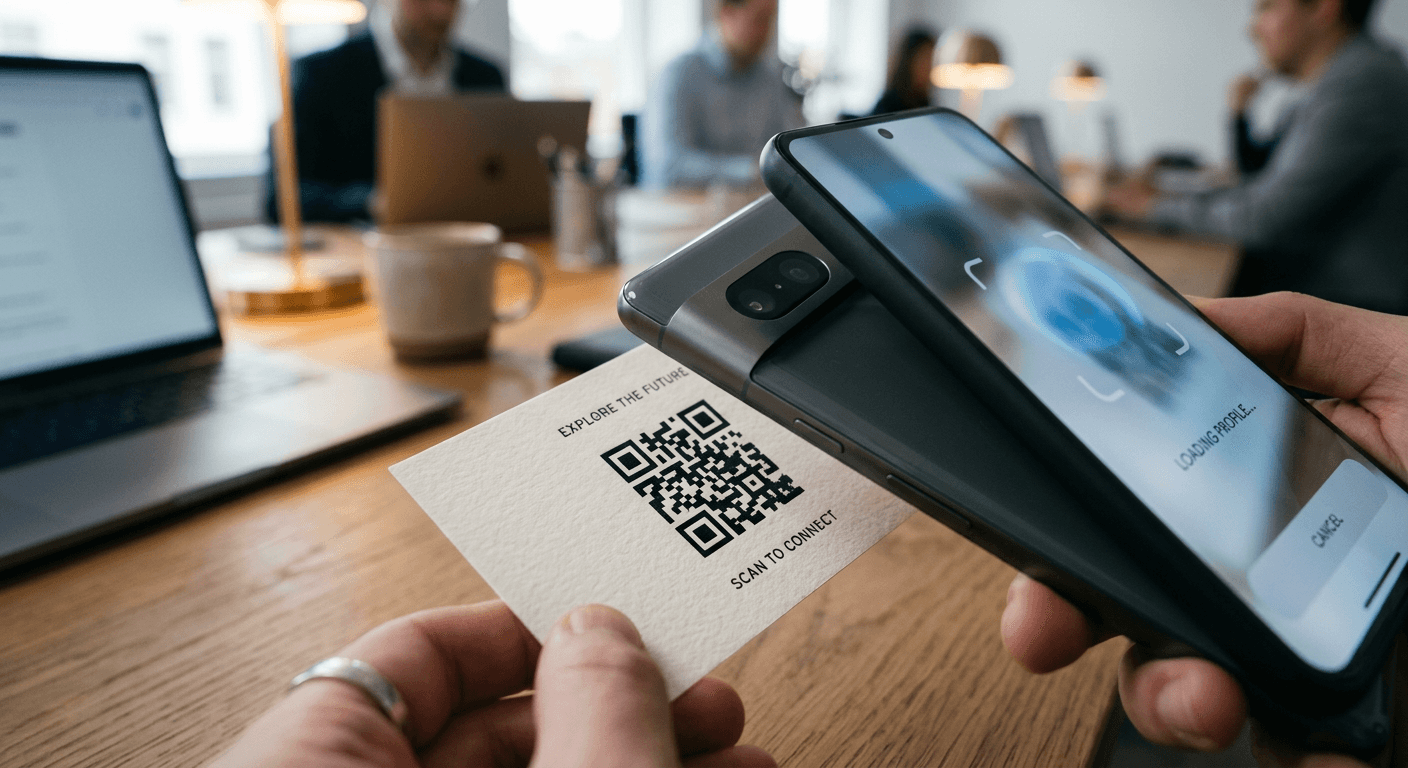
Integrating a functional, high-performing qr code online strategy is one of the most effective ways to bridge the gap between digital and physical customer touchpoints. Whether you are aiming to guide users to a specific landing page, facilitate contactless payments, or simplify the transition from social media profiles to an e-commerce storefront, QR codes act as a high-speed digital conduit. By minimizing the friction typically associated with manual URL entry, these small matrix barcodes significantly increase conversion rates and audience retention for modern digital enterprises.

Quick Summary {#quick-summary}
Implementing a website qr code involves generating a machine-readable barcode that encodes a specific URL or digital asset. When scanned, it instantly directs users to your online content, streamlining navigation and engagement.
- Reduces user friction by eliminating manual web address entry.
- Provides trackable performance data for marketing campaigns.
- Enhances brand touchpoints in both physical and digital environments.
- Scales easily across diverse platforms, from social media to printed media.
Table of Contents {#table-of-contents}
- Quick Summary
- Understanding the Mechanics of QR Code Deployment
- Step-by-Step Guide to QR Code Implementation
- Optimizing QR Codes for Maximum Conversion
- Common Pitfalls and Troubleshooting
- Frequently Asked Questions
- Recommended Reads
Understanding the Mechanics of QR Code Deployment {#understanding-the-mechanics-of-qr-code-deployment}
At its core, a QR code is a matrix barcode that stores data in a two-dimensional grid. Unlike traditional linear barcodes that only convey information horizontally, QR codes encode data both horizontally and vertically, allowing for a significantly higher density of information. When a user scans a website qr code, the device's camera interprets this grid and triggers the browser to open the associated URL automatically. This immediate redirect is what makes the technology so powerful for businesses looking to convert casual observers into active participants.
Modern implementation is no longer limited to basic URL redirection. Advanced deployments often utilize dynamic QR codes, which allow the underlying destination link to be updated after the code has been generated and distributed. This is crucial for businesses that frequently update their digital content or seasonal offers, as it avoids the need to reprint physical materials or re-upload digital assets when the destination page changes.
Step-by-Step Guide to QR Code Implementation {#step-by-step-guide-to-qr-code-implementation}
To implement a QR code effectively, follow these technical and strategic steps to ensure your users have a seamless experience.
- Define the Destination: Determine the exact URL you want the user to reach. This could be a comprehensive link-in-bio page, a specific product detail page, or a sign-up form. Ensure the destination is mobile-responsive.
- Select a Generator: Choose a reliable generation tool. Look for platforms that offer dynamic linking, which allows you to modify the destination URL at any time without changing the code itself.
- Choose the QR Type: Decide between static and dynamic codes. Static codes are permanent but unchangeable, while dynamic codes offer trackable analytics and redirect capabilities.
- Customize Visual Elements: Adjust the colors, shapes, and logo placement within the code to match your brand identity, provided the contrast remains high enough for scanning devices to differentiate between the pattern and background.
- Test Across Devices: Conduct rigorous testing with multiple smartphone operating systems and various lighting conditions to ensure the code is easily scannable.
- Distribute: Place the finished image in your marketing assets, such as social media graphics, email signatures, or print media.
Pro Tip: Always use high-resolution formats like SVG or EPS for printed materials to prevent pixelation, which can render the code unreadable for many scanning apps.
Optimizing QR Codes for Maximum Conversion {#optimizing-qr-codes-for-maximum-conversion}
Placement is the most significant factor in whether a user engages with your code. Simply having a functional link is not enough; the surrounding context must provide a clear value proposition. When embedding a QR code, include a brief, persuasive call to action (CTA), such as "Scan to View Our Full Collection" or "Scan for Exclusive Access." This tells the user exactly what to expect, increasing the likelihood of interaction.
Furthermore, utilize URL shorteners or built-in platform analytics to track the performance of your codes. Understanding where your scans are coming from - and at what time of day - allows you to refine your strategy. If you notice a high volume of scans coming from a particular social platform, you can create platform-specific landing pages that resonate more deeply with that specific segment of your audience.
Common Pitfalls and Troubleshooting {#common-pitfalls-and-troubleshooting}
The most common error is the "dead link" scenario, where the code points to a deleted page or an expired offer. Always verify the destination link before distribution and perform monthly audits of your active codes. A broken link leads to immediate user abandonment and damages brand credibility.
Another frequent pitfall involves poor design choices. While customizing the look of your code is vital for branding, extreme color combinations - such as low-contrast yellow on white - often fail. Ensure the foreground pattern is significantly darker than the background. Additionally, avoid placing the code in areas that are difficult for users to access, such as the bottom of a fast-moving physical display or in high-glare environments.
Frequently Asked Questions {#frequently-asked-questions}
Can I change the URL of a QR code after I print it? Yes, provided you used a dynamic QR code from the start. Static codes are fixed once generated, whereas dynamic codes allow you to redirect the traffic to a new destination whenever necessary.
Do QR codes ever expire? They do not have a natural shelf life; however, if the service hosting the redirect (the generator platform) stops functioning, the code will no longer work. Always rely on stable, professional platforms for hosting your codes.
Is there a minimum size for a QR code? While there is no strict technical limit, the physical size should be proportional to the scanning distance. For a smartphone, a printed code should generally be at least 2cm by 2cm to ensure reliable scanning.
Do I need a special app to scan these codes? In 2026, the vast majority of smartphones feature native camera support for scanning QR codes automatically. Users generally do not need to download third-party applications.