How to Create an Online Whiteboard for Collaborative Teams
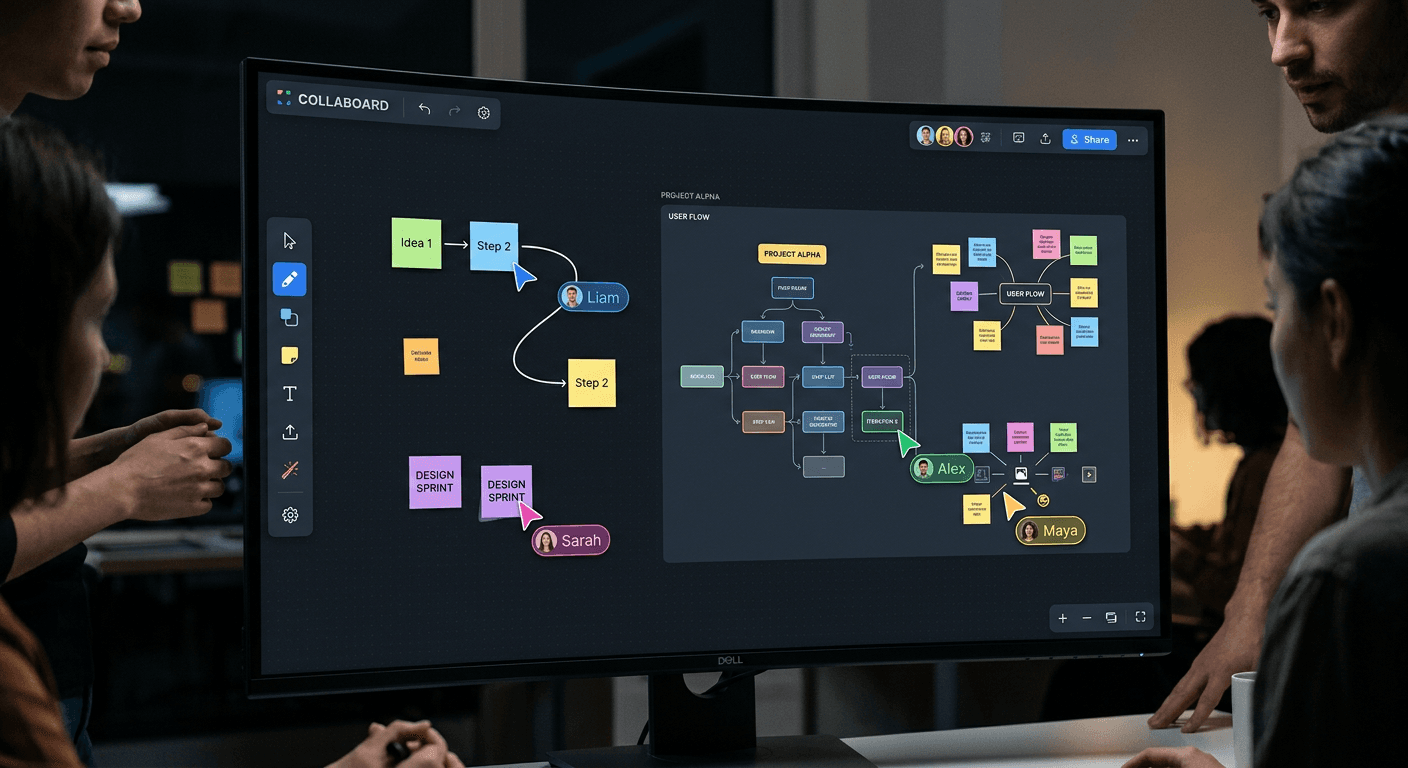
Building an effective online whiteboard for collaborative teams requires a synthesis of real-time synchronization, intuitive interface design, and robust infrastructure. Whether you are facilitating a complex brainstorming session or tracking sprint progress, an online whiteboard serves as a centralized visual workspace that transcends the limitations of physical office tools. By integrating an advanced online editor, teams can bridge the gap between abstract ideas and concrete project outputs in a shared, persistent environment.
Quick Summary {#quick-summary}
An online whiteboard is a cloud-based digital canvas that enables distributed teams to collaborate visually in real-time. It provides tools for sketching, mapping workflows, and organizing data to foster asynchronous or synchronous communication.
- Real-time synchronization minimizes version conflicts.
- Drag-and-drop components accelerate ideation processes.
- Persistent history ensures meeting outcomes remain accessible.
- Integration capabilities link visual boards to project management workflows.
Table of Contents {#table-of-contents}
- Quick Summary
- Infrastructure and Stack Selection
- Designing the Collaborative Interface
- Implementing Real-Time Synchronization
- Integrating Advanced Features
- Common Pitfalls and Troubleshooting
- FAQ
- Recommended Reads

Infrastructure and Stack Selection {#infrastructure-and-stack-selection}
Developing a high-performance digital workspace starts with selecting the right technical architecture. You need a low-latency communication protocol, such as WebSockets, to ensure that every stroke or sticky note movement appears instantaneously for all connected users. If you are looking to centralize your team's resources alongside your new tool, consider organizing your project links through a professional link management platform to maintain team alignment.
The database layer must support state persistence and concurrent editing. Using a conflict-free replicated data type (CRDT) approach is highly recommended for collaborative applications. This ensures that even if two users edit the same element simultaneously, the system resolves the state changes without data loss or corruption, maintaining a consistent view across all client devices.
Designing the Collaborative Interface {#designing-the-collaborative-interface}
Your website design dashboard must prioritize minimalism to prevent cognitive overload. A clean workspace allows team members to focus on the content rather than navigating a cluttered UI. Utilize an icon-based toolbar for essential drawing, shaping, and text tools, keeping advanced settings hidden within contextual menus that appear only when an object is selected.
Accessibility should be a cornerstone of your interface design. Ensure that color palettes for sticky notes are high-contrast and that the board supports keyboard shortcuts for power users. When designing this interface, treat it as more than just a blank canvas; it is an online editor where precision matters, so implementing a smart snapping system for alignment and distribution is essential for professional-grade results.
Implementing Real-Time Synchronization {#implementing-real-time-synchronization}
To achieve true collaboration, the synchronization engine must manage high-frequency updates without crashing the client's browser. Implementing a throttle or debounce mechanism on input events like mouse movements and pen strokes prevents overwhelming the server with unnecessary socket traffic while keeping the movement fluid and responsive.
Beyond simple drawing, you should consider how the board handles "viewports." As users zoom and pan across an infinite canvas, the system must broadcast these coordinates in real-time. By showing the cursors and viewports of other team members, you create a sense of presence that mimics a physical whiteboard, significantly reducing the friction of remote collaborative meetings.
Integrating Advanced Features {#integrating-advanced-features}
Modern teams expect more than simple digital ink. Transforming your whiteboard into an online presentation maker allows users to structure their messy brainstorms into cohesive slide decks or logical flows directly on the canvas. This prevents the need to switch contexts between a whiteboard tool and traditional presentation software.
Security is equally vital when sharing sensitive project data. Implementing a system that supports digital signature online capabilities allows team members to sign off on specific designs or strategic plans directly within the board. By securing sign-offs within the same ecosystem where the work was generated, you maintain a clear audit trail and reduce the reliance on third-party document signing platforms.
Pro Tip: When building your board, implement a 'frame' or 'scene' system that allows users to designate specific areas of the canvas as 'slides'. This makes it incredibly easy to export sections of the board as high-quality visuals for reports.
Common Pitfalls and Troubleshooting {#common-pitfalls-and-troubleshooting}
One common failure point is failing to optimize for different network conditions. If a user has a high-latency connection, the whiteboard may appear to lag. Implement optimistic UI updates, where the client reflects the change locally immediately and reconciles with the server in the background, to mitigate this. Another issue is the "infinite canvas" performance degradation; as the board fills with thousands of objects, browsers struggle to render the SVG or Canvas elements. Use virtualized rendering to only draw what is currently in the viewport.
FAQ {#faq}
- How do I handle conflicts during concurrent edits? Use Conflict-free Replicated Data Types (CRDTs) or Operational Transformation (OT) algorithms to handle simultaneous edits and ensure everyone sees the same state.
- Can an online whiteboard replace project management software? While it is an excellent tool for ideation and visual planning, it works best when integrated with your existing project management stack rather than replacing it.
- What is the best way to handle large, complex boards? Implement scene-based loading or virtualization to ensure the application only renders objects that are currently within the user's view, saving memory and processing power.
- Are these tools secure for enterprise use? Yes, provided you implement robust user authentication, role-based access control, and data encryption both in transit and at rest.