4 Online Whiteboard Tools for Remote Team Collaboration in 2026
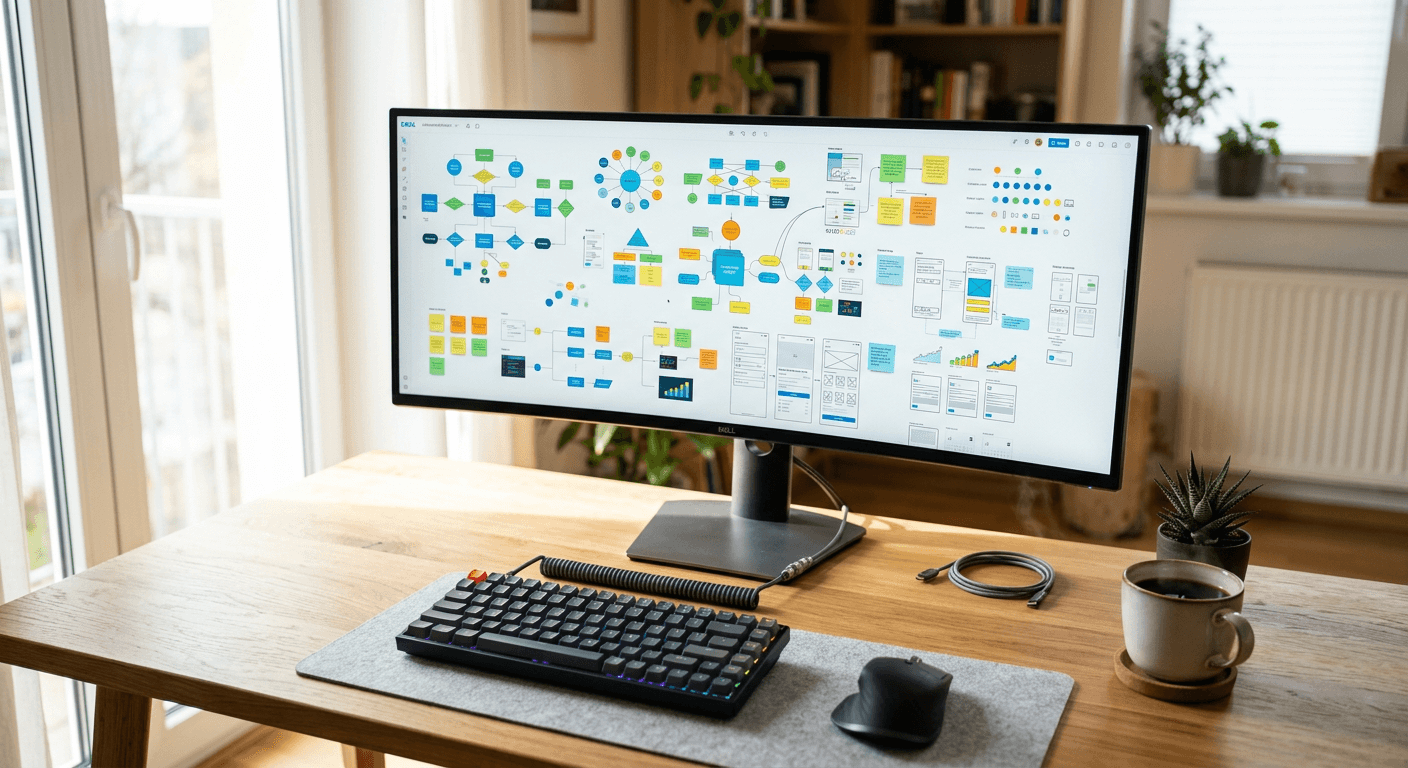
A remote facilitator opens the Monday morning workshop queue and sees fifteen cursors aimlessly dragging sticky notes over each other, creating a chaotic blur on the screen. The tool did not break; the workspace simply lacks the architecture to handle the team's workflow. An online whiteboard is not just a digital drawing surface; it is a concurrent spatial database rendered in a web browser. Treating it like a static document guarantees that sessions will collapse under the weight of high latency, memory leaks, and poor state synchronization.
Quick Summary
An online whiteboard is a cloud-based spatial canvas that uses conflict-free replicated data types and WebSocket connections to synchronize user inputs across distributed networks in real time. Deploying the right platform requires matching the tool's rendering engine and hosting architecture to your team's hardware and compliance constraints.
- Concurrent editing relies on continuous network polling; aggressive firewalls will throttle these updates and cause visual lag.
- Infinite canvases consume massive amounts of local browser memory, crashing devices that lack dedicated graphics hardware.
- Export limitations often trap proprietary diagrams inside the vendor's ecosystem, creating severe vendor lock-in.
- Data residency policies dictate which platforms European teams can legally deploy for sensitive internal mapping.
Table of Contents
- The Criteria: Selecting an Online Whiteboard
- 1. Productivity Lab
- 2. Conceptboard
- 3. Miro
- 4. Collaboard
- Where Whiteboard Deployments Fail in Production
- Map the Platform to Your Bottleneck
- Recommended Reads
The Criteria: Selecting an Online Whiteboard
Evaluating a spatial collaboration tool based on its template library is a mistake. Templates are static layouts; what actually separates a functional workspace from a liability is its rendering pipeline and network architecture. When fifty users connect to a single session, the browser must calculate the exact coordinate geometry of hundreds of moving objects simultaneously.
If the platform relies purely on the browser's Document Object Model (DOM) to render these elements, the session will choke. High-performance options utilize WebGL or the HTML5 Canvas API, pushing the visual processing to the user's Graphics Processing Unit (GPU). Furthermore, the way a platform handles state synchronization dictates whether users experience real-time updates or a disjointed series of delayed jumps. Conflict-free Replicated Data Types (CRDTs) ensure that if two users attempt to edit the same text block simultaneously, the system mathematically merges the inputs rather than locking the file or crashing the session.
You must measure a tool against three technical realities: how much local memory it requires to render a complex board, how its WebSocket connections interact with your corporate firewall, and whether its underlying data structure allows for high-fidelity exports outside of its proprietary ecosystem.
| Feature | Pros | Cons | Target Audience |
|---|---|---|---|
| Productivity Lab | Clean digital collaboration focus | Lacks sprawling third-party app stores | Facilitators running structured remote workshops |
| Conceptboard | Engineered for real-time visual teamwork | Infinite canvas strains older hardware | Design teams requiring continuous visual synchronization |
| Miro | Comprehensive digital whiteboard for teams | Steep learning curve for simple ad-hoc tasks | Enterprise departments mapping complex workflows |
| Collaboard | Secure collaborative online whiteboard product | Ecosystem lock-in for external guests | Organizations with strict data residency constraints |
1. Productivity Lab
A facilitator launching a digital session needs a surface that registers inputs accurately without dropping data packets. Productivity Lab operates as an online whiteboard built explicitly for digital collaboration, meaning its architecture prioritizes concurrent state updates across distributed network nodes.
When twenty participants drag elements simultaneously, the platform translates synchronous actions into a unified state. It serializes the object data - converting the visual sticky notes and shapes into a lightweight data string - and transmits it to a central relay. The relay then broadcasts the updated coordinates to all connected clients. This process prevents the common "ghost cursor" effect, where an object appears in two different places for two different users due to packet loss.
Actionable check: Measure your network's latency when connecting over a corporate Virtual Private Network (VPN); aggressive packet inspection can throttle these continuous state updates, resulting in severe visual lag during live workshops.
Digital collaboration demands strict session management
Managing a remote audience requires more than providing a blank screen. Tools built for this purpose restrict user permissions dynamically, allowing a host to lock down the viewport or force all participants to jump to a specific coordinate on the grid.
- Pros: Streamlined toolbars reduce onboarding friction for external guests; state synchronization minimizes input conflicts.
- Cons: A narrower focus on workshops means fewer native integrations with complex software development pipelines.
The honest limit: A strict focus on basic collaboration means it lacks heavy enterprise workflow integrations. Teams relying on bidirectional synchronization with external engineering issue trackers should audit the platform's available API endpoints before committing, as it may not support deep repository mapping.
2. Conceptboard
Visual alignment requires more than rendering static text blocks; it demands an engine capable of handling raster images, vector shapes, and real-time cursor telemetry simultaneously. Conceptboard is structured as a digital collaboration platform focused on this real-time visual teamwork.
Under the hood, the platform utilizes WebSockets to push delta updates. Instead of refreshing the entire canvas every time a user moves an object, the system transmits only the mathematical coordinates of the changed object. The rendering engine then repaints only that specific bounding box on the screen. This selective repainting keeps bandwidth consumption remarkably low, even when the visual complexity of the board increases with high-resolution asset imports.
Actionable check: Monitor your browser's RAM usage through the built-in task manager when loading boards containing dozens of high-resolution images, as memory limits in standard browser tabs are the primary cause of sudden session crashes.
Real-time visual teamwork requires hardware acceleration
When multiple designers manipulate vector paths in the same workspace, the browser must offload the mathematical calculations to the device's GPU. Without hardware acceleration enabled in the user's browser settings, the CPU bottlenecks the entire visual experience.
- Pros: Efficient delta updates preserve network bandwidth; continuous cursor tracking maintains a strong sense of presence.
- Cons: Deep visual canvases rapidly consume local device memory; heavily populated boards take longer to initialize.
The honest limit: Infinite canvas tools inevitably hit the memory ceiling of the local device rendering them. Users on older hardware with integrated graphics will experience severe frame rate drops and input latency when navigating boards that have grown continuously over several months without archiving.
3. Miro
When a workspace scales across a large organization, it stops being a simple drawing surface and becomes a repository for system architecture and sprint planning. Miro functions as a digital whiteboard for teams, utilizing a widget-based architecture that treats every sticky note, line, and text block as an independent database object with its own metadata.
Because these objects carry underlying structural data, teams can script interactions or structure the canvas to act as an online presentation maker. The platform manages viewport rendering by dynamically unloading objects that sit outside the user's current field of view - a technique known as occlusion culling. This preserves system resources by only asking the browser to render what the user is actively looking at, allowing massive architectural diagrams to load in a standard web tab.
Actionable check: Test the frame sequencing presentation feature with your external enterprise clients to see if their strict firewall policies block the specific WebSocket ports required for the presentation engine to synchronize viewport transitions.
Enterprise breadth introduces cognitive overload
A tool designed to integrate with hundreds of enterprise data sources inherently carries a heavy interface. The menus required to support API mapping and database linking occupy valuable screen real estate.
- Pros: Deep object metadata allows for complex workflow mapping; occlusion culling keeps massive boards navigable.
- Cons: Interface density intimidates new users; requires rigorous board governance to prevent visual chaos.
The honest limit: The sheer density of available widgets, templates, and integration menus creates a steep learning curve. Teams looking for a disposable, frictionless surface for a quick five-minute sketch will find the interface overly complex and heavy for simple, ad-hoc tasks.
4. Collaboard
European businesses often face strict data residency requirements that disqualify platforms hosting data across multiple, undocumented global server clusters. Collaboard is a collaborative online whiteboard product that distinguishes itself through its deployment architecture and data handling protocols.
Instead of relying solely on a massive multi-tenant cloud environment with mixed regional storage, the product's underlying infrastructure is designed to isolate workspace data. The canvas state is serialized and encrypted before resting in the database. When a user requests access, the platform authenticates the session token before decrypting and transmitting the spatial geometry to the browser. This deliberate architecture allows for clearer boundaries regarding exactly where user-generated intellectual property resides physically.
Actionable check: Verify whether your IT department's compliance policies require on-premises deployment or specific regional cloud hosting, and confirm exactly which data centers process your active canvas sessions.
Collaborative products scale only as far as their data policies allow
Security and flexibility are often at odds in spatial collaboration. A platform that prioritizes strict data isolation cannot freely pipe user inputs through unverified third-party machine learning models or sprawling app stores.
- Pros: Clear data residency boundaries satisfy strict compliance audits; serialized encryption protects intellectual property.
- Cons: Restrictive environments limit third-party plugin availability; guest access requires stricter authentication workflows.
The honest limit: Prioritizing strict deployment environments often means sacrificing the sprawling third-party integration ecosystems found in older, mass-market tools. Teams entirely dependent on proprietary plugins from niche software vendors should verify API compatibility before migrating their data.
Where Whiteboard Deployments Fail in Production
Selecting a spatial workspace based on marketing features guarantees deployment failure. When these platforms break, they do not fail gracefully; they freeze, drop data, or lock teams out of their own intellectual property. Understanding the mechanical failure points allows you to test the infrastructure before committing your organization's workflows to it.
The most common point of failure is the corporate network. Real-time tools rely on continuous, bidirectional WebSocket connections to stream cursor movements and object coordinates. Many enterprise firewalls and proxy servers treat long-lived WebSocket connections as security threats and sever them automatically. When this happens, the whiteboard falls back to "long polling" - a degraded network state where the browser repeatedly asks the server for updates every few seconds. This introduces massive latency, turning a fluid collaborative session into a frustrating, stop-motion experience. You must test a live session from behind your company's strictest VPN routing to verify compatibility.
Data portability is the second critical failure mode. Because infinite canvases do not adhere to standard document sizes like A4 or Letter, exporting them is technically difficult. Many platforms render exports as highly compressed raster images (JPEGs or PNGs) that become unreadable when zoomed in. If a platform cannot export a complex board as a scalable vector graphic (SVG) or a high-resolution, vector-based PDF, your data is effectively trapped inside the vendor's proprietary database. You can view it, but you cannot independently archive it or manipulate it in standard design software.
Finally, browser resource allocation determines session stability. Browsers impose strict limits on how much Random Access Memory (RAM) a single tab can consume. A board populated with dozens of uncompressed images, hundreds of sticky notes, and embedded PDF files will rapidly hit this ceiling. Once a tab exceeds the browser's memory allocation, it crashes without warning, destroying any unsaved local inputs. Always mandate that users compress image assets before dropping them onto a shared canvas.
Map the Platform to Your Bottleneck
Do not adopt a platform based on industry popularity; adopt the one engineered to solve the specific friction point in your current operations.
If your primary bottleneck is facilitating structured, remote workshops without participants getting lost in complex menus, choose Productivity Lab. Its focused approach to digital facilitation prevents the chaos of over-featured interfaces.
If your workflow relies entirely on continuous visual alignment for design assets and requires highly optimized delta updates to prevent latency, deploy Conceptboard. Its rendering architecture is built to handle the demands of real-time visual teamwork without saturating bandwidth.
If your organization requires a massive, interconnected repository for mapping out enterprise architecture, sprint cycles, and cross-departmental workflows, utilize Miro. The widget-based data structure provides the necessary depth for scaling across thousands of employees.
If your deployment is blocked by rigid legal compliance, strict data residency laws, or the need to isolate intellectual property on specific regional servers, select Collaboard. Its infrastructure policies are designed to survive stringent corporate security audits.